

Fan curves and profiles
Edit the temperature-to-RPM curve visually, keep several profiles, share them as profile codes, or switch them on a weekly schedule.
- Quiet
- Balanced
- Gaming
A third-party cooling driver built for gaming laptops. THRM drives your Flydigi BS-series cooler from live CPU and GPU temperatures, and keeps working from the tray after you close the window.
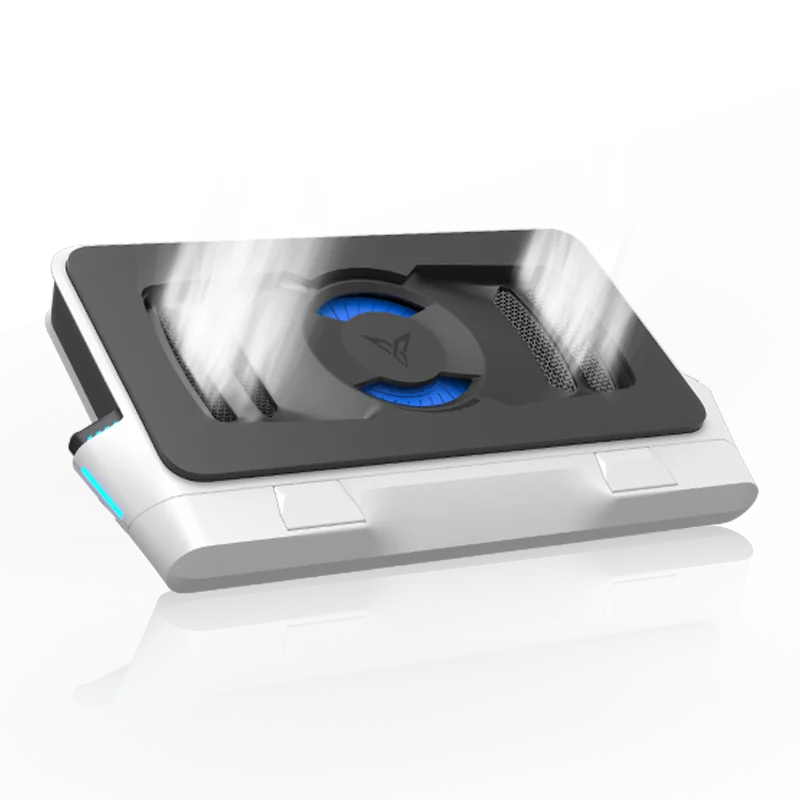
Drag the red line on the curve to see the fan respond
THRM Core runs as its own background service and takes every sample through these four steps, whether the main window is open or not.
Control from CPU, GPU or whichever is hotter. Pick specific sensors, or average several CPU sensors.
Interpolate on the temperature-to-RPM curve you drew, switching profiles by weekday and time.
SmartControl filters isolated spikes, applies hysteresis and ramp limits, and boosts early when power draw climbs.
Speed goes out over HID or BLE. When the HID interface comes back, THRM reconnects on its own.
Basic control gives you a few presets. THRM opens up curves, learning, noise and lighting, and does all of it on your machine.
Edit the temperature-to-RPM curve visually, keep several profiles, share them as profile codes, or switch them on a weekly schedule.
Refines your curve from long-term results. Pick a learning bias, and clear what it learned with one click whenever you like.
Measures relative noise at each RPM with your microphone, finds noise knees and likely resonance bands, and quiet learning steers around them.
History for CPU and GPU temperature and power, plus current and target fan speed. On Windows, fan RPM can show up in the RTSS in-game overlay.
Six effects with adjustable brightness and speed. Fans stop and lights go off when the system sleeps or hibernates.
Stays quietly in the background, like a tool that shipped with your system.
Maximum speed and lighting vary by firmware and hardware revision, so THRM works from what each device reports.
THRM scans and connects once it's powered on
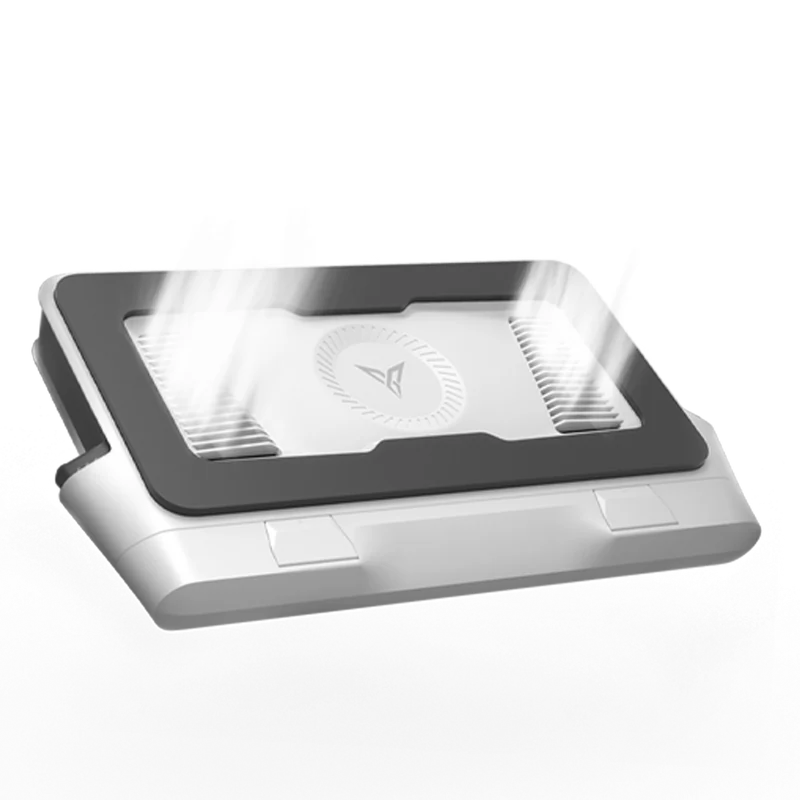
Pair it in system Bluetooth settings first
Pair it in system Bluetooth settings first
Pair it in system Bluetooth settings first
Pair it in system Bluetooth settings first
Plug it in and make sure it's running.
BS1 just needs to be advertising over Bluetooth. Pair BS2, BS2 Pro, BS3 and BS3 Pro in system Bluetooth settings first.
Check that the model, temperatures and fan speed all show up on the status page.
Turn on smart control, or pick a profile on the curve page. Close the window and THRM keeps cooling from the tray.
Windows 10 / 11 x64
Right for most people. Installs and starts the core service and temperature bridge for you.
Extract everything and run THRM.exe. Keep THRM Core.exe and the bridge folder next to it.
Free code signing for Windows releases is provided by SignPath.io, with a certificate from SignPath Foundation, showing each package was built by GitHub Actions from the public source. Only download from GitHub Releases.
Make sure it's powered and that the model matches the connection type. BS2, BS2 Pro, BS3 and BS3 Pro must be paired in system Bluetooth settings first.
Close the official Flydigi app or any other tool that may hold the device. If it still fails, remove the Bluetooth pairing and pair again, or unplug the cooler for a few seconds. If BS1 doesn't show up, long-press its button to start advertising again.
On Windows, try in order: reinitialize temperature monitoring in Settings, close other monitoring or fan tools, reinstall or update PawnIO, restart, then run THRM as administrator.
On hybrid-graphics laptops that only need CPU temperature, turn off GPU monitoring so background polling doesn't wake the discrete GPU.
That's so it can keep controlling the fan. THRM minimizes to the tray by default; choose Quit from the tray icon menu to exit completely.
Yes, on Windows, with RivaTuner Statistics Server (RTSS) installed. MSI Afterburner isn't needed.
Turn on RTSS OSD in THRM's settings and the overlay shows Cooler Fan: <rpm> RPM. Refresh can be 250 ms to 2 s and doesn't affect how fast control responds.
No. THRM is a community-built, third-party open-source project with no affiliation to Flydigi.
Custom speeds, unofficial minimum RPM and experimental features may carry extra risk. Use them with your device's limits in mind.
Open a GitHub issue with your THRM version, OS version, cooler model, steps to reproduce and the diagnostics package exported from Settings.
Diagnostics may include device and hardware details, so review them before uploading.